Here is what I know about popovers.
Most of popovers are avoidable
Or, to put it strongly, popover is the most stupid thing you can do (in Russian, use browser translation). Really, putting content into a popover doesn’t require you to think how to put it on the screen. So, with some effort, most of the content could either become their own pages or put into existing pages.
I have to mention dickovers here. Surely if you’re making them you know what you’re doing and it has nothing to do with good UX.
This part reads as a disclaimer but really the first thing I would do before adding a popup is trying not to add it.
Popovers don’t have to be modal
Or, backdrop is optional. A rule of thumb: try bending the popover behaviour so it’s better without a backdrop. Can we save changes right away if people edit the content inside of it? Can we show the popover the way it doesn’t hide the main page content?
Take notion sidebar. I guess it’s technically pop-aside, but it makes what is otherwise two pages one, moves the “referrer” page slighly left and opens a new page on the right. Left page is not covered with a backdrop and keeps working as usual. You can replace the right page content clicking anything else.
Logseq extends this pattern and has a whole right area where you can open multiple pages one before another. All pages work, they are just sort of in a layout.
Another example is tooltips. Though they often show things that could be on the page from the start, they don’t prevent you from using the rest of the page.
No popovers inside popovers
(except tooltips that also should be shown at most one at a time)
Hint: you can make it technically impossible to display multiple popovers at once. This will save you from a whole class of bugs. Multiple popovers never look good, so if you catch yourself thinking you need a popover inside a popover – you don’t. That’s one strong opinion I have and don’t want to explain much. Call it another rule of thumb, but here is a gallery of how wrong it may look.
Good popovers have helpers on the server side
One day you’ll want your popover to fetch content before rendering it. Tricks that I know to make the behaviour of it least surprising:
- A link to such a popover should be an
<a>link. - Server should know that a link to a popover was clicked, and not a normal one, to return just html that should be changed. In Ruby on Rails we do it using turbo_stream format that is a wrapper on top of ajax. There is a whole site about it. HTMX does the same.
- When this link is clicked as “open in new tab”, it at a minimum shouldn’t fail. Ideally it should either render the popover content as a full page (then you have to answer yourself why didn’t you do it in all cases) or render an entire page from which a popover was triggered in the background.
- If you went with rendering the entire page, you probably want to replace the browser URL to that background page URL.
Where and when to show popovers, how to hide them
I’ve seen a few options, each has their complications and advantages:
- attached to the caller (like tooltips) – requires to manage the placement of the popover, allows content of virtually any shape
- sidebar – covers full height and some half width, prompts to use all the space, and make it work with the caller page. Could be on the top or the bottom too.
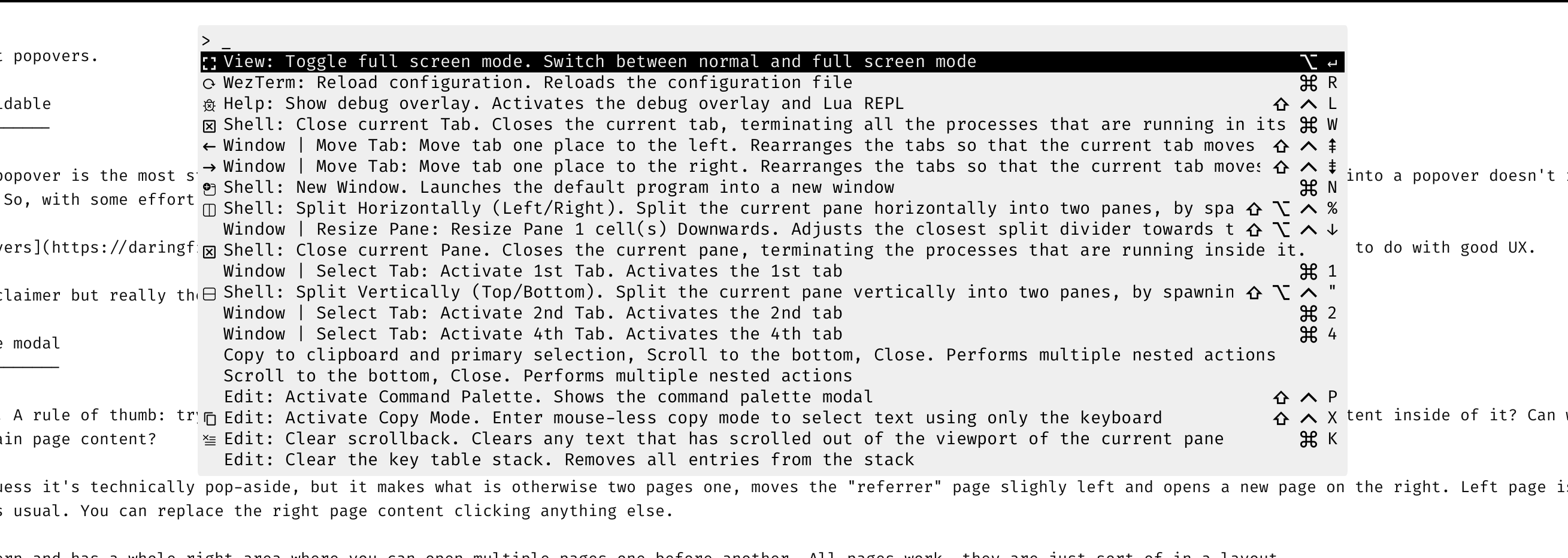
- window in the center of the page – biggest chance to be modal, wants to be important enough to break the flow. Allows to shift layout as you like, see any command palette.
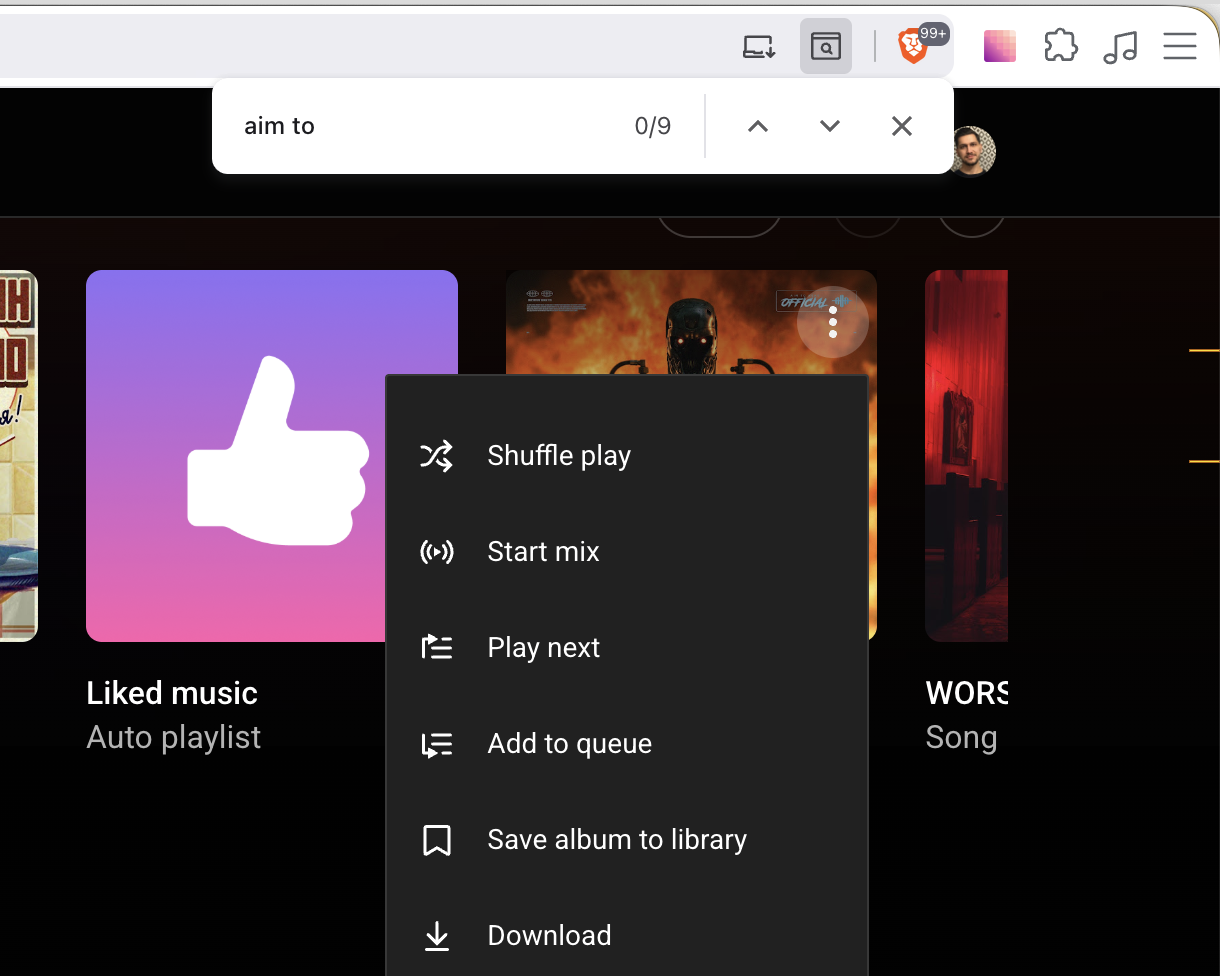
- fixed part of the page not attached to anything – I’m talking about e.g. search prompt in chrome that appears on cmd+f. It always appears at the same place when you call it, it doesn’t prevent you from working with the page, but the place is seemingly random. Flash messages are in this category as well.
Popovers usually open on click, hover or by a hotkey, and closed by clicking esc or a designated button. If there is a backdrop, clicking it should close the popover.
Pics:

Sources
- Popup is the most stupid thing you can do
- Dickover
- Grumpy website collection of popups (mostly next to or inside popups) https://grumpy.website/search?q=popup
- Hotwire is an approach to building modern web applications without using much JavaScript by sending HTML instead of JSON over the wire. https://hotwired.dev/
- In a non-rails world, HTMX is doing a similar job. https://htmx.org/